Real servers you install and open in a browser tab.
Rent exactly the CPU, memory and disk you need, upload the installer of any operating system — Windows, Linux, BSD — then use it from any browser, over Remote Desktop (RDP) or with SSH.
- Real hardware, never oversold
- Remote Desktop (RDP) and SSH included
- Support in Arabic and English
Everything a machine of your own should have
Any operating system
Windows Server, Windows 10/11, any Linux distribution, FreeBSD and more. Upload the ISO and install it like on a real PC.
- Win_Server_2025_x64.iso5.6 GB
- ubuntu-24.04-desktop-amd64.iso5.9 GB
- FreeBSD-14.3-amd64-disc1.iso1.2 GB
Rent exactly what you need
Choose the vCPUs, memory and disk with sliders. Every vCPU is a real CPU thread on our servers — nothing is oversold.
The screen in your browser
See the machine's real screen from the first boot. No app to install, and it works from your phone too.
Remote Desktop (RDP) and SSH
Connect to Windows with any Remote Desktop app — on Windows, Mac, iPhone or Android — or to Linux with SSH. Every machine gets its own address.
Virtualization inside
Run Hyper-V, WSL2, Docker or even Proxmox inside your machine — ideal for developers and learning.
Full control
Start, shut down, restart or delete in one click, eject the installer when you're done, and watch it all update live.
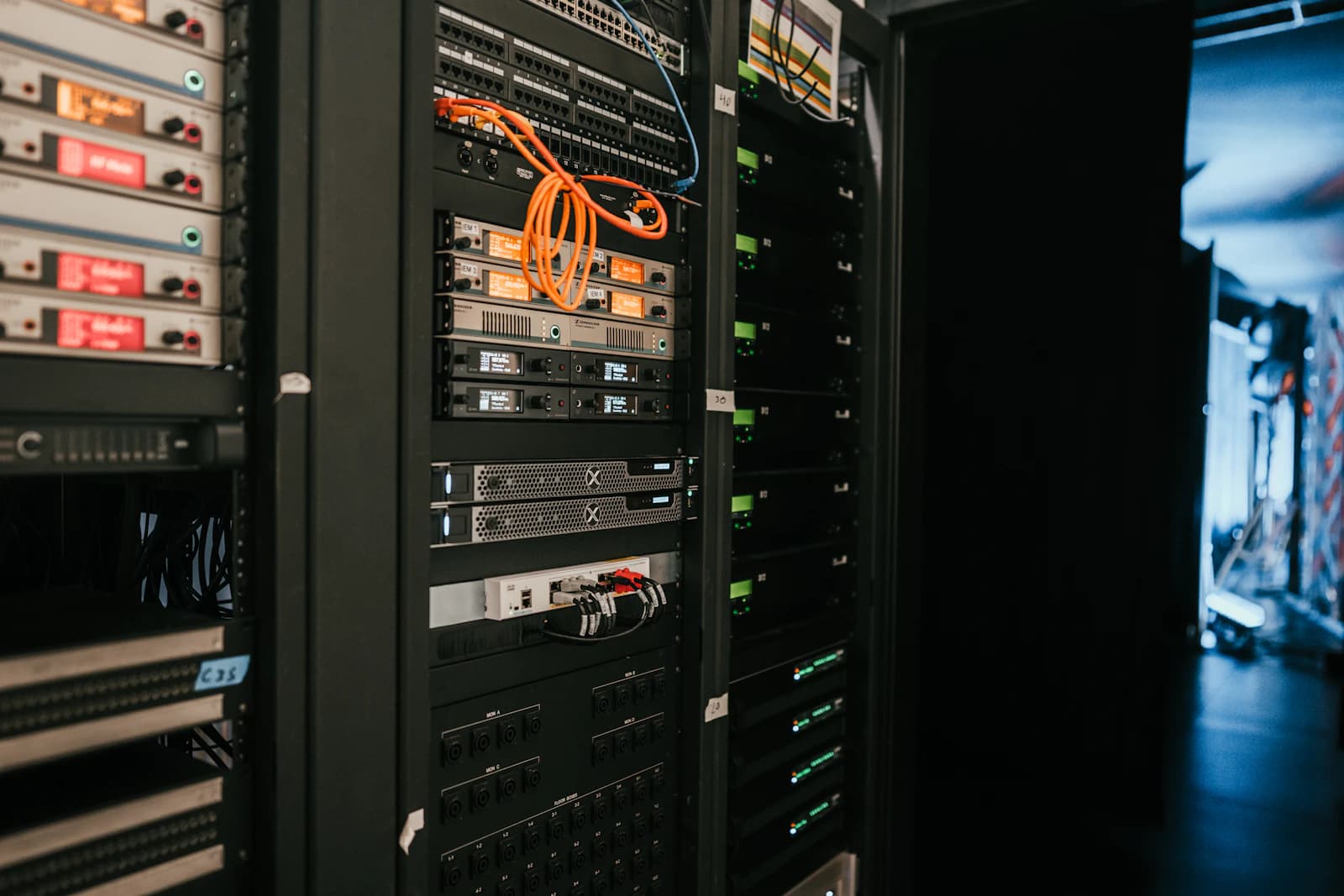
Real servers. Real cores. Yours.
Your machine runs on physical servers in a professional data center, not on a slice of someone else's cloud.
- 1 vCPU = 1 CPU threadA real thread on the processor, not time shared with strangers.
- SSD storageYour disk sits on fast solid-state drives.
- Never oversoldWhen a server is full, we tell you instead of squeezing you in.
If it installs on a PC, it installs here
Harbor doesn't hand you a pre-made system. You bring the installer, so you choose the version, the edition and the settings.
You bring the ISO and any license it needs. macOS isn't supported.
Real hardware, free right now
These numbers come straight from our servers and refresh every minute: the processors, memory and disk nobody has rented yet.
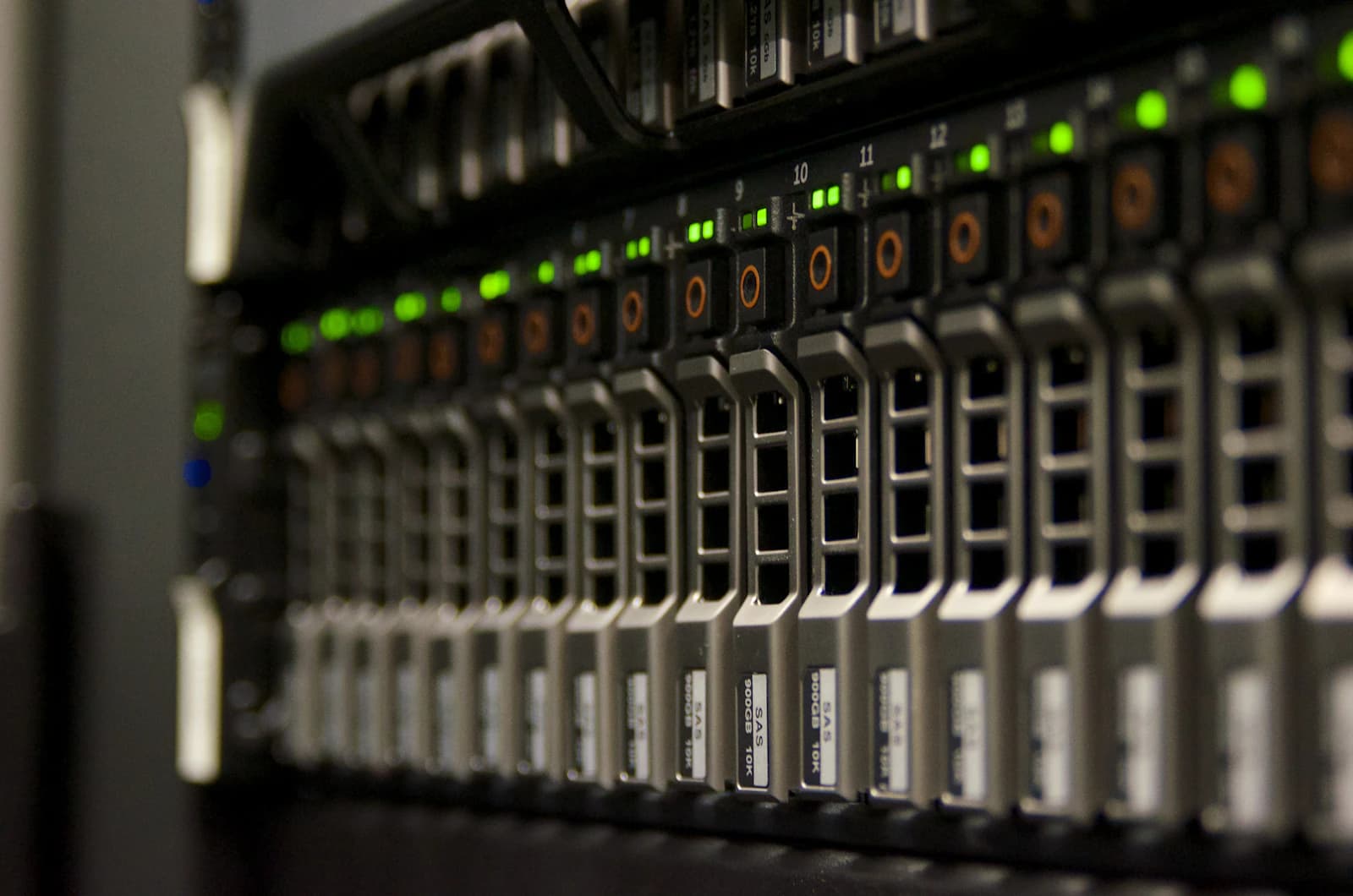
Why Harbor
Real resources
Big clouds share each CPU between many customers. With Harbor, what you rent is yours.
Support that speaks your language
Arabic and English support from people who answer.
Windows made easy
Bring your own Windows ISO and license. It gets UEFI and TPM 2.0 automatically.
Questions and answers
Which operating systems can I run?
Almost any operating system for 64-bit Intel/AMD computers: Windows Server, Windows 10 and 11, every Linux distribution, FreeBSD, firewalls like OPNsense and more. macOS isn't supported, because Apple only licenses it on Apple hardware.
Do you provide the operating system?
No. Harbor rents you the hardware; you upload the installer ISO of the system you want and install it yourself from the browser. That way you always get exactly the version you chose.
Do I need my own Windows license?
Yes. You install Windows from your own ISO and activate it with your own license key. Windows Server also has a free 180-day evaluation from Microsoft.
Are the resources really mine?
Yes. Harbor only rents out hardware that physically exists on our servers, and one vCPU is one real CPU thread. If a server is full, we tell you instead of overselling it.
How do I connect to my machine?
Open its screen straight in the browser. Each machine also gets an address for SSH (Linux) or Remote Desktop (Windows).
Can I cancel any time?
Yes. Delete your machine whenever you like and billing for it stops.
Your first machine is a few clicks away
Create an account, upload your ISO, pick the hardware and install it in your browser.
Create a machine