KVM VPS Hosting Explained: How It Really Works
By Harborvm6 min read

Key takeaways
- KVM is a full virtualization layer built into the mainline Linux kernel since version 2.6.20, so each VPS runs as a genuine virtual machine, not a shared process.
- A KVM VPS gets its own kernel and virtual hardware, which gives stronger isolation than container-based plans that share the host kernel.
- KVM needs hardware virtualization extensions (Intel VT-x or AMD-V), so performance depends heavily on the physical server underneath your plan.
- When comparing providers, check the host hardware, resource allocation model, and data center locations, not just the monthly price.
A KVM VPS is a virtual machine that behaves almost exactly like a physical server, because the KVM hypervisor gives it a dedicated kernel and its own virtual hardware. That single design choice is why KVM VPS hosting feels closer to a bare-metal server than to a shared account, and why it has become the default for buyers who care about isolation and control.
If you are comparing providers right now, the short version is this: KVM is a full virtualization technology built into Linux itself, so a KVM plan gives you stronger separation from your neighbors than container-style hosting. The rest of this guide explains what that means in practice and how to judge one KVM VPS offer against another.
What Is KVM Virtualization?
KVM stands for Kernel-based Virtual Machine, and it is a full virtualization solution for Linux running on x86 hardware with virtualization extensions (KVM project). It turns the Linux kernel into a hypervisor, so a single physical server can run many independent virtual machines side by side.
The important detail is that KVM is not a third-party add-on. Its kernel component has shipped inside mainline Linux since version 2.6.20, released in February 2007 (KVM project documentation). That means almost two decades of production use and tuning by the wider Linux community, not a bolt-on layer maintained by one vendor.
Under the hood, KVM loads a kernel module, kvm.ko, plus a processor-specific module such as kvm-intel.ko or kvm-amd.ko (KVM project documentation). Those modules hand each guest a slice of real CPU and memory while keeping the guests walled off from each other.

Why It Delivers True Hardware Isolation
Each KVM guest receives its own virtual CPU, memory, disk, and network interface. From the inside, the operating system thinks it owns a complete machine. Because the guest runs its own kernel, a crash, a kernel panic, or a misbehaving process in one VPS cannot reach into another. That is the practical meaning of hardware-level isolation.
How Does KVM VPS Differ From Containers?
KVM runs each VPS as a complete virtual machine with its own kernel, while container platforms such as OpenVZ or LXC share the host's single Linux kernel across every account. That one difference drives most of the trade-offs you will see on a provider comparison page.
With containers, the host kernel is shared, so you generally cannot load custom kernel modules, swap kernel versions, or run a non-Linux operating system. Containers are lightweight and start fast, which suits packing many small workloads onto one box. The cost is a thinner wall between tenants.
A KVM VPS trades a little raw density for a much firmer boundary. Because the guest talks to virtual hardware rather than a shared kernel, you can install most Linux distributions, run Windows, mount custom kernels, and tune the system the way you would on a dedicated server.
| Trait | KVM VPS | Container VPS |
|---|---|---|
| Kernel | Dedicated per guest | Shared with host |
| Isolation boundary | Full virtual machine | Shared OS namespace |
| Custom kernel modules | Supported | Usually blocked |
| Operating system choice | Linux, Windows, custom | Host kernel family only |
What Are the Performance and Security Benefits?
The main performance benefit of KVM is that it uses hardware-assisted virtualization: the processor's own extensions, Intel VT-x or AMD-V, do the heavy lifting of running guests (KVM project documentation). Instead of emulating a CPU in software, KVM lets guest instructions run close to native speed on the physical processor.
This is why the quality of the underlying hardware matters so much. These processor features come from Intel Virtualization Technology and its AMD equivalent (Intel Virtualization Technology), and KVM's own support for them lives in the Linux kernel's virtualization layer (Linux kernel documentation). A KVM plan on a modern server CPU behaves very differently from one squeezed onto aging hardware, even when the advertised RAM and core counts look identical.
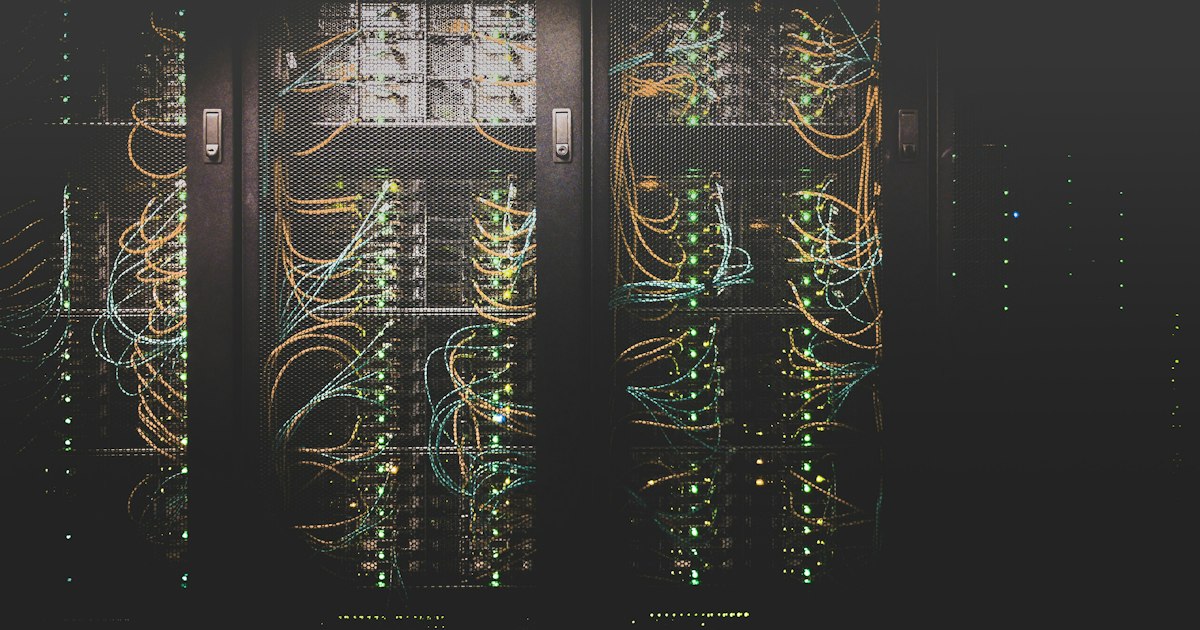
On the security side, the dedicated-kernel model shrinks the blast radius of any single incident. A compromised or crashing guest is contained within its own virtual machine. Your neighbor cannot read your memory or see your processes, and a kernel-level exploit against one guest does not automatically expose the whole node. For workloads that handle customer data, that separation is often the deciding factor.
Resource Allocation You Can Trust
KVM also makes resource guarantees easier to reason about. CPU time, memory, and storage are assigned to each virtual machine rather than loosely shared, so a noisy workload next door is less likely to starve yours. Dedicated allocation is one of the clearest reasons buyers pick KVM over oversold shared plans.
What Should You Look For in KVM VPS Hosting?
Start with the hardware, because KVM performance is only as good as the physical server beneath it. Ask what generation of CPU the nodes use, whether each vCPU is a dedicated thread or shared, whether storage is SSD, and how many guests share a host. A provider that is vague about this is usually the one to avoid.
Next, confirm the resource model. Look for dedicated or clearly capped CPU and RAM rather than "unlimited" language that signals heavy overselling. Check whether you get full root access, console access for recovery, and the freedom to install your own operating system image, since those are the capabilities KVM is supposed to unlock.
Finally, weigh location and management. Latency is a function of distance, so a provider with servers near your users will outperform a cheaper box on the other side of the planet. Decide too whether you want a self-managed VPS or help with updates and monitoring, make sure the control panel lets you reinstall, reboot and open the console without filing a ticket, and plan your own backups if the provider does not include them.
- Hardware: CPU generation, dedicated or shared vCPU, guests per node
- Allocation: dedicated CPU and RAM, honest limits, full root access
- Reach: data center regions close to your audience
- Control: a browser panel for reinstall, console, and reboot
How Harbor Runs KVM VPS on Dedicated Servers Worldwide
Harbor builds its KVM VPS hosting on dedicated physical servers rather than oversold shared nodes, with locations across America, Europe, and Asia-Pacific so you can place a VPS close to the people using it. Every instance is a full KVM virtual machine, which means its own kernel, its own virtual hardware, and the isolation described throughout this guide.
The whole service is managed from the browser. You can deploy a new VPS, pick a region, reinstall an operating system, open a console, and reboot without waiting on support. That combination, genuine KVM isolation on current dedicated hardware plus simple browser control, is what Harbor is built to deliver.
If you are at the comparison stage, the most useful next step is to shortlist two or three providers and check each one against the hardware, allocation, reach, and control list above. Run the same test workload in the region closest to your users, measure it, and let the numbers decide. For a KVM plan on dedicated servers in the region you need, start by picking your closest Harbor location and deploying a test instance today.
Frequently asked questions
Is a KVM VPS better than a container-based VPS?
For most buyers, yes. A KVM VPS runs its own kernel and virtual hardware, so you can load custom kernel modules and run almost any operating system. Container plans share the host kernel, which limits that freedom.
Can I run my own operating system on a KVM VPS?
Usually. Because KVM presents full virtual hardware, you can install most Linux distributions, Windows, or a custom image, just as you would on a physical machine.
Does KVM VPS hosting need special server hardware?
Yes. KVM relies on processor virtualization extensions, Intel VT-x or AMD-V, which are standard on modern server CPUs. Good providers run KVM on current dedicated hardware rather than aging shared boxes.
What does true hardware isolation mean for security?
Each KVM guest is confined to its own virtual machine with a separate kernel. A problem inside one VPS stays inside that VPS, which reduces the blast radius compared with plans that share a single kernel.